













Embroidery File Format Breakdown: Choose the Right One for Your Project

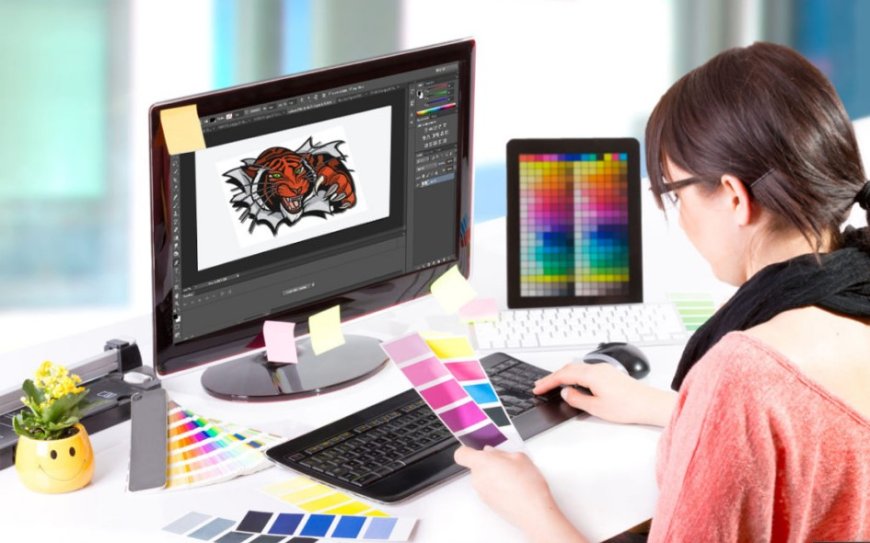
So, youve got a design ready to stitchmaybe its a business logo, a custom patch, or a fun monogram for a friends tote bag. You load the file into your machine and error. Nothing shows up. Weve all been there.
The issue? Wrong embroidery file format.
Embroidery machines arent like printers. They cant read image files like JPG or PNG. They need special file formats with specific stitch instructionsand each machine prefers its own.
In this guide, well break down all the major embroidery file formats, which ones work with which machines, and how to choose the right one for your project.
Want to skip the stress of figuring out formats? Digitizing Buddy will convert any logo or design into the correct embroidery filePES, DST, JEF, EXP, and morewith professional accuracy and fast turnaround!
What Is an Embroidery File Format?
Embroidery file formats are not imagestheyre files with machine-readable commands that tell the embroidery machine:
- What stitch types to use
- Where each stitch goes
- When to change colors
- Trim, stop, or jump commands
Different machines require different file formats. For example:
- Brother machines use PES
- Janome machines use JEF
- Tajima machines use DST
Choosing the wrong format means the machine cant process your designor worse, it stitches incorrectly.
Most Common Embroidery File Formats
Heres a breakdown of the most popular embroidery file formats and where theyre used:
|
Format |
Used By |
Notes |
|
PES |
Brother, Babylock |
Most common for home embroidery |
|
DST |
Tajima, Industrial Machines |
Universal format, lacks color data |
|
JEF |
Janome |
Used by all Janome embroidery models |
|
EXP |
Bernina, Melco |
Used in commercial and home machines |
|
VP3 |
Husqvarna Viking, Pfaff |
Modern, color-capable format |
|
XXX |
Singer |
Older Singer machines |
|
HUS |
Husqvarna |
Legacy format, still in use |
|
PHC |
Babylock |
Newer format for advanced Babylock models |
Which Format Should You Use?
Lets make it simple.
If You Use a Brother or Babylock:
Use PES. Its the go-to format and widely supported.
(Some newer Babylock machines also support PHC.)
If You Use a Janome:
Go with JEF. Its Janomes native embroidery format.
If You Use a Bernina:
Use EXP. Bernina often uses a combo of EXP and accompanying info files like INF or BMP.
If You Use Husqvarna Viking or Pfaff:
Use VP3. Newer machines prefer this format, but older ones may still use HUS.
If You Use a Commercial Machine:
DST is king. Its the industry standard and works on most commercial embroidery equipment.
Note: DST files dont include color information, so youll need a thread chart or color guide.
How to Convert Between Formats
If youve downloaded or received a file in the wrong format, you can convert it to the one your machine uses.
Use Embroidery Software
Here are a few popular options:
- Wilcom TrueSizer (Free version available)
- Embrilliance Express (Free for Mac/Windows)
- SewWhat-Pro
- Hatch Embroidery Software
With these tools, you can open one format and save/export it into another (e.g., from DST to PES).
Use a Professional Digitizing Service
If you're not confident using softwareor want a logo professionally preparedservices like Digitizing Buddy will handle the whole process for you.
Just send them your design (JPG, PNG, SVG, etc.) and theyll return the file in your requested format.
Pro Tips for Choosing the Right Format
Here are some quick tips to ensure your design runs smoothly on your machine:
Know Your Machine Brand & Model
Before downloading or ordering a file, double-check your machines format in the user manual or online.
Watch File Extensions
Make sure your file ends in the right extension:
- .pes for Brother
- .dst for Tajima
- .jef for Janome
- .vp3 for Husqvarna
Dont Use PNG/JPG for Embroidery
These are image files and cannot be used directly by embroidery machines. They must be digitized into a stitch file first.
Color Matching May Vary
DST and some other formats dont carry color info, so your machine might assign default thread colors. Use a color sheet or embroidery software to match your threads manually.
Keep a Backup Copy
Always save the original file you receive or convert. That way, you can re-edit or reformat it later if needed.
Frequently Asked Questions
What happens if I use the wrong file format?
Your machine may:
- Not recognize the file
- Show an error
- Stitch incorrectly
- Ignore thread color data
Always use the format your machine is designed for.
Can I use one format across different machines?
Not always. While some machines support multiple formats (like DST and PES), many are format-specific. Convert files as needed for compatibility.
Can I open embroidery files on my computer?
Yes! Free tools like:
- Wilcom TrueSizer
- Embrilliance Express
Let you view, resize, and preview embroidery fileseven if you dont have a machine.
Can I digitize my own design?
You can! But it requires:
- Digitizing software (like Hatch or Wilcom)
- Practice and understanding of stitch types, densities, and compensation
Many beginners choose to hire professionals like Digitizing Buddy for better, faster results.
Embroidery File Formats by Project Type
Heres a quick guide to help choose based on your project:
|
Project Type |
Best Format |
Notes |
|
Home embroidery |
PES, JEF, VP3 |
Match to machine brand |
|
Business branding |
DST |
Used in commercial shops |
|
Caps and hats |
DST or PES |
Must be digitized for curved surfaces |
|
Personalized gifts |
PES, VP3, EXP |
Depends on fabric & design |
|
Patch making |
DST, EXP, PES |
Match to machine and hoop size |
Final Thoughts: Get the Right Format for the Right Results
Embroidery is equal parts art and techand choosing the correct file format is the first step toward successful stitching. Whether you're decorating shirts, personalizing gifts, or launching your own embroidery business, using the right format ensures your designs stitch cleanly, efficiently, and beautifully.